
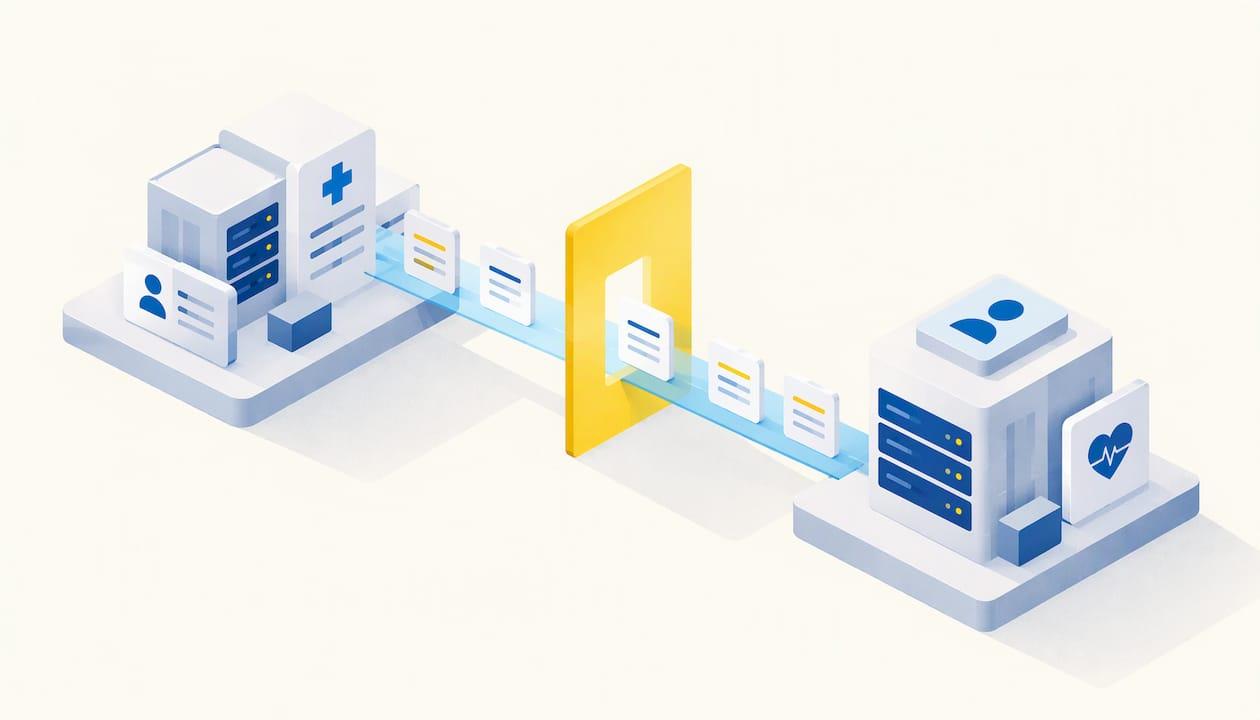
Patient portal integration means connecting the portal your patients log into with the systems that hold their information: your EHR or EMR, scheduling, billing, lab feeds and, if you want them, your website and reputation tools. Done well, patients see current data and book or pay in one place, and your staff stop retyping the same details. Done badly, you get a second inbox nobody reads. This guide covers what to connect, in what order, what to protect, and how to get people to actually use the result.
TL;DR
- A portal usually connects to an EHR or EMR, practice management, lab and imaging feeds, billing and an identity service. Decide which system is the source of truth for each piece of data before you build anything.
- Choose between an EHR-native portal (less interface work, tied to the EHR's roadmap) and a standalone portal (more control, more monitoring).
- Plan for privacy, consent and security from the first week: risk assessment, access control, encryption, audit logs.
- Keep patient reviews and clinical information in separate streams on your website.
- Adoption is won at registration: simple sign-up, hands-on help, and feedback after launch.
Table of Contents
- What a patient portal connects to
- EHR-native or standalone: the first decision
- A step-by-step integration plan
- Connecting patient reviews to your website
- Privacy, consent and security
- Getting patients and staff to use it
- Our perspective
- How Bearsoftes can help
- FAQ
- Sources
What a patient portal connects to
A portal is a secure website or mobile app where patients get 24/7 access to their own health information with a username and password. The AHIMA Patient Portal Toolkit lists what it can show: doctor visits, medications, immunizations, allergies and lab results. It can also carry secure email, prescription refill requests, appointment scheduling, contact updates, payments and downloadable intake forms.
The Healthcare Providers Service Organization describes integrated portals in similar terms: secure messaging about care, scheduling, a record of past encounters, prescription tracking, data from wearable devices, forms and up-to-date balances.
Each of those features is an integration. The messaging feature talks to your staff inbox or task queue. The balance feature talks to billing. The appointment feature talks to your calendar. In practice that means a typical project touches:
- The clinical record (EHR or EMR)
- The practice-management or scheduling system
- Laboratory and imaging feeds
- Billing and payment tools
- An identity and login service
- Your public website, forms and, where relevant, a chatbot or reminder system
EHR-native or standalone: the first decision
The AHIMA toolkit notes that integrated portals are often part of an EHR, or come from a vendor that partners with the EHR vendor so the interface works properly. That gives you two broad models.
| EHR-native portal | Standalone portal | |
|---|---|---|
| Data connection | Shared inside the EHR | Interfaces or APIs |
| Setup effort | Lower | Higher |
| Design freedom | Limited to the EHR's roadmap | High: your own look, workflow and branding |
| Ongoing work | Vendor updates | Interface monitoring, reconciliation, clear source-of-truth rules |
Neither is better in the abstract. A small clinic with one EHR and simple needs often does well with the native option. A group that wants its own booking flow, its own branding, or a single front door across several systems usually ends up with a standalone layer connected by APIs.
Standards you will hear about
Modern portals lean on FHIR, which uses RESTful APIs to exchange structured data. The SYMPHONY project's architecture deliverable points to HL7 FHIR for structured exchange, DICOM for imaging and openEHR for long-term preservation, with terminologies such as SNOMED CT and LOINC for consistent meaning. You do not need to master these. You do need to ask any vendor which ones they support and for which data.

A step-by-step integration plan
The most complete public checklist comes from Ontario Health's Patient Portal Provincial Implementation Guide. It is written for Canadian practices, but the sequence holds anywhere. Adapted to a clinic or small group:
- Check your partners' portal plans. Ask your EHR vendor and any affiliated organizations what they already offer.
- Decide the scope. Which services go in first (messages, booking, results, payments) and which patients you invite first.
- Negotiate the vendor contract. Get integration responsibilities in writing: who builds the interface, who monitors it, who fixes it.
- Complete a privacy impact assessment and a threat risk assessment.
- Map your current workflows. Where does a refill request go today? Who answers a billing question?
- Assign staff roles. Someone owns message triage, someone owns patient support.
- Prepare patient communication materials.
- Install, test and train.
- Recruit patients.
- Review the business impact.
The AHIMA toolkit adds that implementation needs a detailed work plan, a program charter, testing phases, a realistic roll-out timeline and marketing so patients know the service exists.
Define the source of truth
Before any interface goes live, write one page that says, for every data item, which system owns it. Appointment times might live in scheduling, balances in billing, results in the lab feed. The portal displays; it does not become a fourth copy that drifts out of date. Also decide how often data syncs: real time for bookings, scheduled batches for less urgent items.
Test with real patients
AHIMA stresses that ease of use for both staff and patients is critical, and that the portal should be tested with patients of different ages and education levels to see whether it works for every segment. A portal that your most tech-savvy patients like but your oldest patients cannot enter is half a success.
Connecting patient reviews to your website
Many clinics also want to show patient reviews next to their portal or booking pages. This is a website integration, not a clinical one, and the useful rule is to keep two streams apart.
- Experience feedback: reception, waiting time, communication, scheduling, location, billing. This is what reviews describe well. Showing it on your site, on the booking page or next to your contact details, builds trust at the moment someone decides to book.
- Clinical information: treatment indications, risks and outcomes. This belongs in your own medical content, written and reviewed by your clinicians, not in review widgets.
Practical points:
- Display reviews on public pages, such as the homepage, service pages and the appointment page. Do not embed them inside the logged-in portal where patients view their record.
- Never pull review responses into the clinical record, and never reply to a reviewer with details of their care. Replies should stay general and invite the person to contact you privately.
- Keep your clinic name, address, phone number and service names identical across your site and review profiles, so patients and search engines see one organization.
- Link the review prompt to the post-visit moment, for example a follow-up message after an appointment, rather than to the portal login.
If you run a clinic website with online booking, a reviews block, a lead form and a portal link, these pieces should share the same design, the same contact data and the same analytics, so you can see which path leads to a booked visit.
Privacy, consent and security
Security is the single biggest worry in the literature. AHIMA ranks privacy and security of health information as the top implementation challenge, and the U.S. ONC's Provider Perspectives on APIs and Apps report finds that privacy and security concerns remain a barrier, with most organizations reporting low risk tolerance and reluctance to add systems to manage.
Build these into the plan:
- Risk assessment. Ontario Health says new products must go through a threat risk assessment and that security has both technical and human or process elements.
- Identity. The same guide suggests validating patient identity in person at first registration where possible.
- Layered access. The SYMPHONY document describes authentication, authorization and audit logging as the core layers, with multi-factor authentication, role-based access control, OAuth2, AES-256 encryption at rest, TLS in transit and consent management.
- Consent. Rules differ by place. In New York, for example, the state's SHIN-NY privacy and security policies say protected health information is not disclosed through the network to a participant without the patient's affirmative consent, which can be given by electronic signature. If you operate in the United States, confirm HIPAA and state requirements with your compliance officer or counsel before go-live.
- Skills in-house. The ONC report notes that providers often lack knowledgeable internal staff to evaluate apps, support consumers and maintain connections. Name an owner for maintenance before launch, not after.
Getting patients and staff to use it
Access is common now. According to the ONC's HINTS 7 data brief, 65% of individuals were offered and accessed their online medical records or portal in 2024, up from 25% in 2014. In the same brief, 57% reported using an app to access records, up from 38% in 2020, while web-only access fell from 60% to 42%. Design for the phone first.
What drives sign-up? A 2021 multimethod study by Fujioka and colleagues found that a clear, simple registration process with hands-on support helped adoption across participant groups. So put a staff member and a printed or on-screen QR code at the front desk, and offer to complete registration during the visit.
Know what frustrates people too. A 2023 study of adult portal users found that the most common difficulty was messaging the care team: slow replies and not being able to reach the provider they wanted. An earlier review by Baldwin and colleagues found that navigation and understanding medical information were problems, and that user-friendliness was the most negatively perceived feature. These are design and workflow issues you can fix:
- Set a reply-time promise for messages and route them to a named role.
- Let patients pick the right provider or team when they write.
- Add plain-language explanations next to results.
- Keep menus short: book, message, results, pay.
Activation does not end at launch. The Health Federation's Portal Toolkit treats it as a dynamic step: check that the portal is being used, gather feedback from patients and staff, and refresh training and configuration. Ontario Health lists the payoffs of a well-run portal: staff time saved, fewer calls and less paperwork, automated recalls and reminders, 24/7 access, fewer no-shows and more accurate records. It also warns about workflow interruptions while people learn the system and recommends a change management plan.
Our perspective
We see the same pattern in the clinics and schools we work with: the technology is rarely the hard part. The hard part is that the portal, the website, the booking flow, the reminders and the reports are built by different people at different times, and nobody owns the whole journey.
That is why we approach integration as one project. We build the web system and intranet, connect appointment booking and lead management, add chatbots for the routine questions, and put the numbers into Power BI dashboards so you can see how many patients register, book and come back. We also train the staff who will live with the system every day, because a portal nobody at the front desk can explain does not get used.
Our view is simple: connect fewer things, connect them clearly, measure what happens, and keep supporting the team after launch. Integration is a service you run, not a file you deliver.
the author
How Bearsoftes can help
We build the connected layer around your clinical systems: custom web systems and intranets, appointment booking, lead management, virtual assistants for common patient questions, and Power BI analytics that turn registrations, bookings and no-shows into a clear monthly picture. If your systems still run on older servers, we also handle cloud migration, and we train your staff on every tool we put in place.

For aesthetic clinics, our plans start from €400 per month, with a one-off setup fee (Alta) of €450. Scope and any custom integration work are agreed with you after we understand your systems. See the clinic plans and services or start from bearsoftes.com.
FAQ
What does patient portal integration involve?
It means linking the portal to the systems that hold the data patients see and the actions they take: EHR or EMR, scheduling, billing, lab feeds and identity. Data moves through interfaces or APIs, often using HL7 and FHIR standards. The work includes deciding which system owns each piece of data and how often it syncs.
What are the downsides of patient portals, and how do you reduce them?
Research points to hard navigation, confusing medical language and slow replies to messages. You reduce them with simple menus, plain-language explanations, a reply-time commitment and a named person who handles messages. Testing with patients of different ages before launch catches most of these problems early.
Can I show patient reviews on the same website as my portal?
Yes, on public pages such as service and booking pages. Keep them outside the logged-in record area, keep clinical claims in your own reviewed content, and never answer a reviewer with details of their care.
How do I get patients to register?
Make sign-up short and offer help in person. Studies of portal rollouts found that a clear registration process with hands-on support aided adoption. Mention the portal at booking, at check-in and in follow-up messages, and ask for feedback after the first weeks.
Sources
- AHIMA Patient Portal Toolkit
- HPSO: Patient/Client Portals
- Ontario Health: Patient Portal Provincial Implementation Guide v2.2
- SYMPHONY D2.5 architecture document
- ONC: Provider Perspectives on APIs and Apps
- New York State Department of Health: SHIN-NY privacy and security policies
- ONC HINTS 7 data brief: patient portal access and use
- Fujioka et al., implementation strategies for portal engagement
- Son and Nahm, adult patients' experiences with a portal
- Baldwin et al., patient portals and health apps
- Health Federation Portal Toolkit