
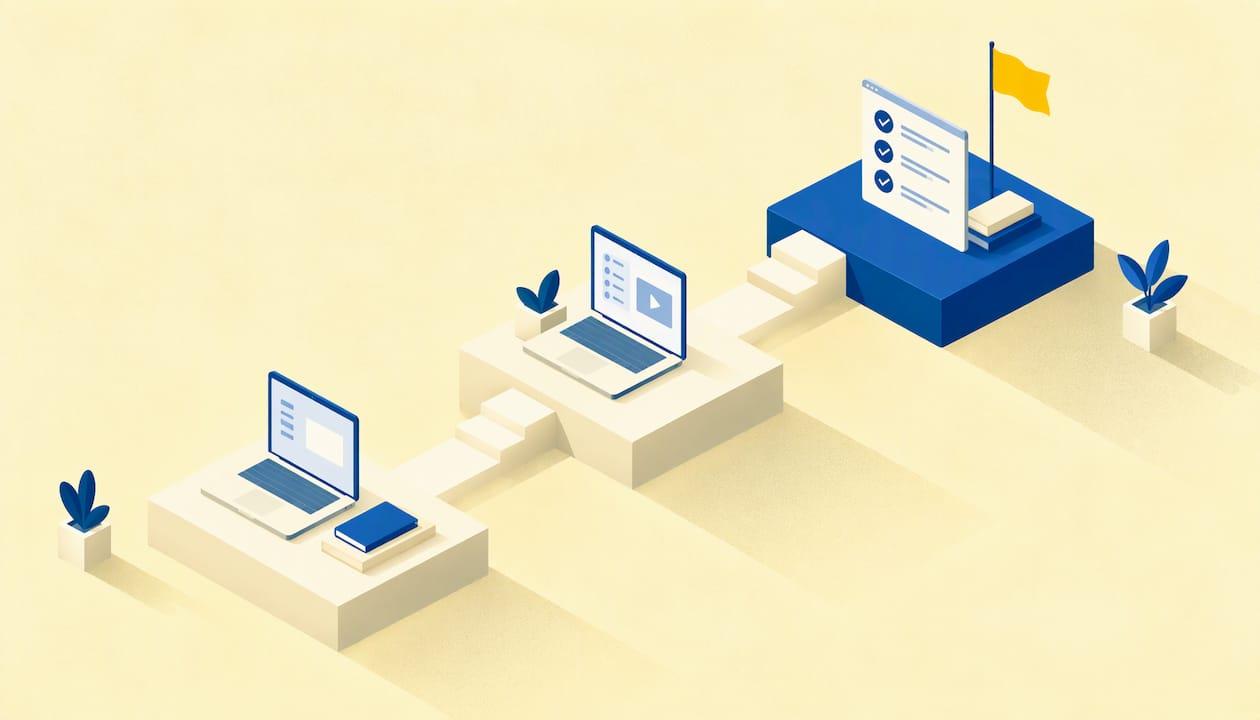
Employee software training works when it is built around the real tasks each person does in each tool, taught in short hands-on sessions, and followed by support after the first week. A one-time demo or a login to a course library rarely changes how people work. A short needs assessment, role-based groups, practice on real workflows and a few simple measures do.
This guide walks through that process for small and midsize teams, from finding the gaps to choosing tracking tools and checking that the training paid off.
TL;DR
- Start with a skills and tools assessment by role, not a generic course. Ask what people use, what they need and what blocks them.
- Teach around real workflows in plain language, and spend most of each session on hands-on practice.
- Keep sessions short and repeat them. Name a trainer, schedule the time and use a checklist.
- Use a learning platform or a simple tracker to assign training, record completions and export reports.
- Measure behavior and business results (errors, time per task, tickets, adoption), not only attendance.
Table of Contents
- What employee software training covers
- Find the gaps before you plan anything
- Why small businesses under-train, and how to work around it
- How to run the sessions
- A sample four-week rollout
- Tools that assign training and track progress
- Measuring whether training worked
- Common mistakes
- Our perspective
- Training that ships with the system
- FAQ
- Sources
What employee software training covers
It is more than showing someone where the buttons are. Role-specific instruction in the software people use every day (email, calendars, collaboration tools, cloud files, business applications and remote-work tools) sits next to security habits: authentication, data privacy, responsible AI use and safe handling of workplace devices. An academic HR textbook from British Columbia lists the same core areas: workplace software and equipment, cybersecurity, responsible AI and secure handling of information.
In practice, most small businesses end up with four layers:
- Onboarding to the core tools. Accounts, permissions, the files and channels a new hire needs in week one.
- Role-specific workflows. How the front desk books appointments, how finance approves invoices, how a teacher records attendance.
- Security and data handling. Passwords, multi-factor authentication, phishing, what can and cannot go into an AI assistant.
- Change training. What happens when you launch a new system, migrate files to the cloud or add a chatbot to the website.
The fourth layer is where most training budgets get lost. Teams buy a system, announce it and expect adoption. Digital adoption is a training problem as much as a technology problem.
Find the gaps before you plan anything
Skip the generic course catalog until you know what your people actually need. The World Bank's Digital Skills Toolkit recommends employer questionnaires that cover current tools and skills, required tools, training needs, adoption barriers and future requirements. The OECD's self-assessment tool for firms takes a similar angle, looking at business functions, current and future employee skills, HR and training practices and medium-term strategic objectives.
For a team of 5 to 50 people, you can run a lightweight version in a week:
- A five-question survey. Which tools do you use daily? Which do you avoid? What takes you longest? What would you like to learn? What stops you from using the new system?
- A look at usage. Which licenses are active, which features nobody touches, which tasks still happen on paper or in spreadsheets.
- A conversation with each manager. Where do mistakes, rework or customer complaints trace back to tool use?
Reworked describes a useful way to sort what you find: a framework with Bronze skills everyone needs, Silver skills most people need and Gold skills for key users, built from surveys, usage analytics and manager feedback. The point is to make needs role- and scenario-based rather than generic. Everyone gets the Bronze basics. Only your power users sit through advanced reporting.
A simple example
Say you run a clinic with eight staff. Everyone needs secure login and safe handling of patient data (Bronze). Reception and coordinators need the booking system and lead follow-up (Silver). One person needs the analytics dashboard and campaign reports (Gold). Three groups, three short tracks, and nobody wastes an afternoon on features they will never use.

Why small businesses under-train, and how to work around it

The barriers are time and money. A February 2025 CIMA and Opinium survey reported by HR Magazine found that 41% of SMEs cited lack of budget and 39% lack of time as training barriers. The same report says 79% of SME employers had identified skills gaps in the previous 12 months, while fewer than one in three SME employees had received training and 82% wanted to upskill. The survey covers UK businesses, but the pattern will look familiar to any owner: people want the training, and the schedule never has room for it.
The cost that surprises owners is labor. A US small-business guide from Homebase notes that the main expense is often the combined labor time of trainer and trainee, and recommends dedicated shifts, a named trainer and a checklist. That advice applies equally to software training:
- Block the time. Put training on the schedule as paid work, not something done between tasks.
- Name one trainer per tool. It can be a team member who knows the system best, not an outside expert.
- Use a checklist. One page per role: the ten tasks this person must be able to do by the end of week one.
- Keep it short. Thirty to forty-five minutes, twice a week, beats a full-day workshop nobody remembers.
How to run the sessions
Training magazine's guide to teaching non-technical staff gives a clear sequence: define specific, task-based objectives, group learners by role or skill level, explain why the tool matters, train around real workflows in plain language and spend most session time on safe hands-on practice. It also recommends training champions and providing ongoing resources and support.
Here is that turned into a repeatable plan.
1. Write objectives as tasks
"Understand the CRM" is not an objective. "Log a new inquiry, assign it and schedule a follow-up in under two minutes" is. Each objective should be something you can watch someone do.
2. Explain the why first
People resist tools that look like extra work. Spend the first five minutes on what changes for them: fewer duplicate entries, no more hunting for files, fewer phone calls to confirm appointments. If you cannot name a benefit for that role, the workflow probably needs another look before you train on it.
3. Practice on real work
The UK government's employer guide on AI upskilling recommends hands-on scenarios, small applied projects with feedback, use-case libraries, reflection and repeat practice, delivered in person, online, hybrid, workplace-based or self-paced. Its broader view is that digital skills transfer better when training is embedded in existing roles, systems and real tasks. The guide is about AI, but the principle holds for any software.
Use a sandbox or test account filled with realistic sample data. Let people make mistakes where nothing is at stake.
4. Break it into small pieces
Docebo's guide to technology training describes microlearning, on-the-job practice, short videos, interactive quizzes and step-by-step instructions as ways to fit learning into a busy workday. A two-minute screen recording of "how to export this month's report" gets used far more than a forty-page manual.
5. Train champions
Pick one person per team who learns a little earlier and a little deeper. They answer the quick questions, collect the recurring problems and tell you what the next session should cover. This is the cheapest ongoing support you can build.
6. Plan the second session before the first
People forget what they do not use. Schedule a short follow-up one to two weeks after the first session, when real questions have appeared.
A sample four-week rollout
| Week | Focus | Format | Output |
|---|---|---|---|
| 1 | Needs assessment and objectives | Survey, manager chats | Skills map by role, task checklists |
| 2 | Core tool basics and security habits | 30-45 minute group sessions, sandbox practice | Everyone completes the Bronze checklist |
| 3 | Role-specific workflows | Small groups, real scenarios | Silver and Gold tasks demonstrated |
| 4 | Follow-up and measurement | Champion-led Q&A, short quiz, usage review | Gap list and plan for the next quarter |
Adjust the pace to your team. The shape matters more than the dates: assess, teach the basics, teach the roles, then check and adjust.
Tools that assign training and track progress
You do not need a platform for a team of five. A shared checklist and a monthly review will do. Once you have multiple roles, locations or compliance requirements, software starts to pay for itself in administrative time.
Look for these capabilities:
- Assignment by role, department or location, so each person gets only their track.
- Completion and certification tracking with reminders.
- Mixed formats: classroom and virtual sessions, recorded video, SCORM support for packaged courses.
- Mobile access for staff who are not at a desk.
- Dashboards and exportable reports for managers.
These are the functions documented on a learning management system's product page, which also notes that automated assignment, progress records and reporting reduce administrative work and give remote teams on-demand access. If your team already works in a collaboration suite, Microsoft's learning app inside Teams tracks assignments, recommendations and completions and supports learning paths, with role- or group-targeted academies and adoption reports in the wider Viva suite.
A practical rule: pick the simplest option that gives you assignment, a completion record and a report you will really open. Features you never use only add another system to train people on.
Measuring whether training worked
Attendance and quiz scores tell you people showed up. They do not tell you whether work improved. Measure at four levels, from quick to slow:
- Reaction. A two-question pulse after each session: was this useful, what is still unclear?
- Knowledge. A short practical check: can the person complete the checklist tasks without help?
- Behavior. Usage data from the tools themselves: logins, features used, records created, tasks still done off-system.
- Results. The business numbers the training was meant to move: time per task, error rates, support requests, booking no-shows, response time to inquiries.
Set a baseline before training, then compare at 30 and 90 days. Pair the numbers with manager feedback, since a dashboard can show activity without showing quality. This is where a data panel earns its place: if the system already records the numbers, the report costs little to produce.
Common mistakes
- Training once, at launch. Adoption needs reinforcement.
- One course for everyone. Mixed levels bore the experienced and lose the beginners.
- Teaching features instead of tasks. People remember what they did, not what they were shown.
- Ignoring security. Every new tool is a new place for credentials and customer data to leak. Build safe handling into each session.
- No owner. If nobody is responsible for training, it quietly stops.
Our perspective
We build websites, intranets, analytics panels, booking systems and chatbots for schools in Peru, aesthetic clinics in Spain, restaurants and other small businesses. In every project we see the same thing: the software is the easy half. The hard half is getting a busy team to use it every day.
That is why we treat training as part of the delivery, not an add-on at the end. When we deploy a system, we plan how the staff will learn it, who will be the champion in each team and which numbers will show that it is working. Our Power BI dashboards are designed so owners can see adoption and results in the same place, and our ongoing support is meant to catch the questions that appear after the first week.
Our view is simple: technology and training should arrive together. A clinic that gets a new booking flow and a short, role-based session for reception will see far more value than one that gets the tool alone. We would rather help you build the habit than hand over a login.
the author
Training that ships with the system
If you are rolling out a new website, intranet, booking system or dashboard, the cheapest moment to train your team is while it is being built, when their questions can still shape the setup. We offer staff training and tool-use sessions alongside our development and analytics work, and we do not publish a price for training; it is scoped with the project.

For aesthetic clinics in Spain, our clinic plans start from €400 per month, with a one-off €450 setup fee. For web projects, the initial fee starts from €250 one-off, as listed on our web development page. You can also see how we structure data and analytics panels for tracking results, or get in touch through our main site to talk about your team.
FAQ
How long should employee software training take?
Short and spread out works best. Plan 30 to 45 minute sessions focused on one workflow each, with a follow-up a week or two later. Total time depends on the role: a basic tool may need two sessions, a core business system may need a month of light support.
Who should deliver the training?
A named trainer who knows the tool and the workflow, ideally a team member backed by the vendor or implementation partner. Add one champion per team for day-to-day questions. The important part is that someone owns it and has scheduled time to do it.
How do we train staff who are not comfortable with technology?
Use plain language, start with why the tool helps them, and let them practice real tasks in a safe test environment. Group people by current skill level so beginners are not rushed. Keep reference material short and visual, such as step-by-step screenshots or short screen recordings.
Do small businesses need a learning management system?
Not at first. A shared checklist, a tracker and short recorded demos are enough for a small team. Consider a platform when you need to assign different tracks by role or location, record completions for compliance or report on progress to managers.
How do we know the training worked?
Compare a baseline with results at 30 and 90 days: tool usage, time per task, errors and support requests. Add manager feedback and a short practical check. If the numbers do not move, adjust the content or the workflow rather than repeating the same session.
Sources
- How to build a technology training program for employees
- Types of training, Introduction to Human Resource Management
- Digital Skills Toolkit, World Bank
- Employee digital literacy assessment, Reworked
- How can SMEs address skills gaps on a budget, HR Magazine
- Training new employees, Homebase
- How to run technology training for non-technical staff, Training magazine
- What works for AI upskilling in the UK: employer guide
- Technology training for employees, Docebo
- Learning management software, ELMO
- Employee learning and training platform, Microsoft Viva